
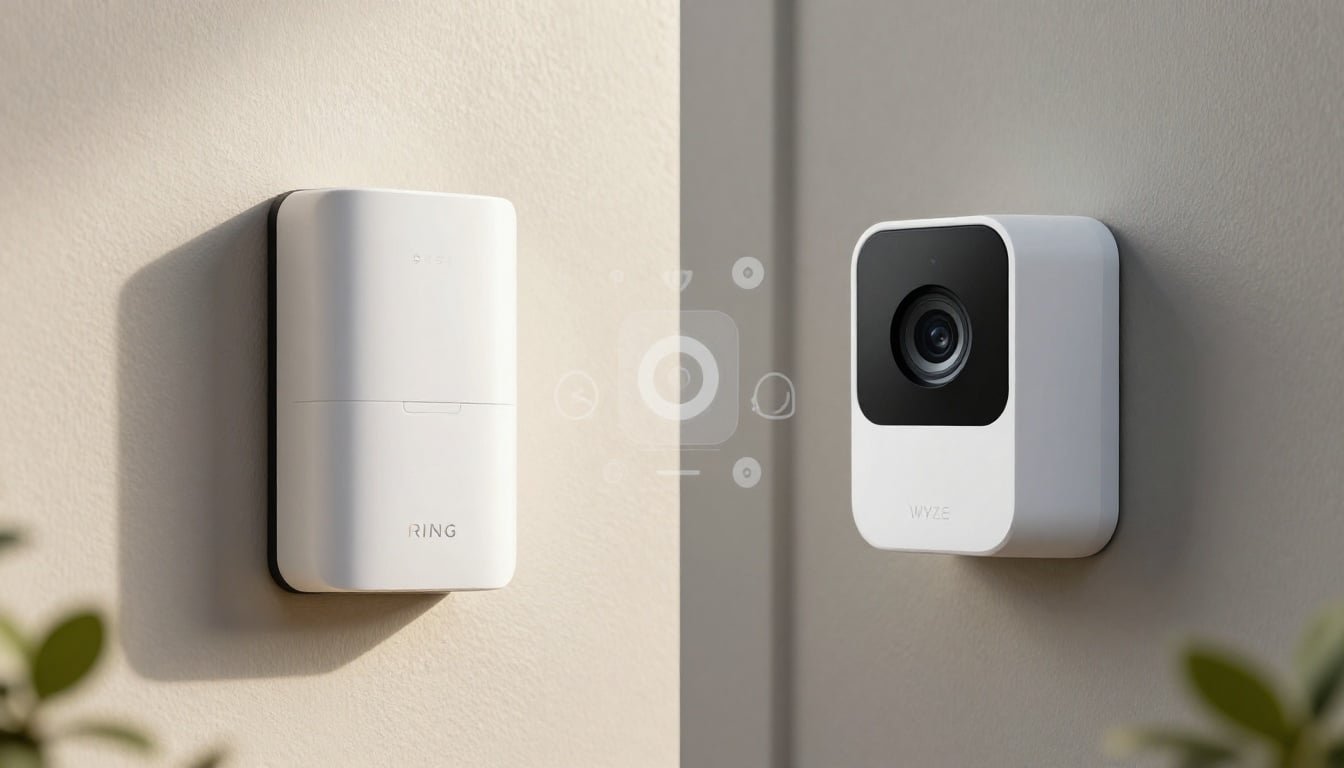
I didn't walk away from Ring as a casual customer. I was a Ring Deep Diver, one of those people who tested beta products because I believed in where the platform was going.
For a while, that trust made sense. Ring felt polished, dependable, and easy to recommend when someone asked me what video doorbell or camera system to buy.
Then the friction started stacking up. The app became harder to live with, settings felt hidden, the monthly costs kept poking at me, and Wyze started offering the kind of value I could not shrug off. That is what turned my own ring vs wyze debate into a full switch for my home security system.
Key Takeaways
- Subscription Fatigue: The primary driver for switching was the cumulative cost of monthly subscriptions, which transformed from a convenience into a recurring burden for a multi-camera setup.
- App Friction: Over time, the Ring application grew increasingly complex and counterintuitive, whereas the ideal security app should function as a simple, high-speed utility.
- Hardware Versatility: Wyze offers a more diverse range of affordable hardware options, making it significantly easier and more cost-effective to secure multiple zones like garages and backyards.
- Local Storage Advantage: The inclusion of MicroSD card slots in Wyze devices provides a crucial alternative to cloud-only reliance, allowing users to avoid forced subscriptions for basic video playback functionality.
- Choosing Your Lane: Ring remains a strong contender for those who prioritize a cohesive, polished ecosystem and professional monitoring, while Wyze excels for users seeking high-value hardware and flexible, budget-friendly security.
What Finally Pushed Me Off Ring
My switch wasn't about one bad update or one broken device. It was slower than that. A steady buildup of little annoyances followed by the bigger question I couldn't stop asking: why was I paying this much for something I used every day and enjoyed less every month?
Ring still makes decent hardware. That is not the issue. The issue, for me, was that the whole experience stopped feeling worth the premium.
### The Monthly Plan Started Feeling Too Expensive
The hardware price was only the opening bid. The real cost showed up after setup, when I wanted the features that make a security camera useful in normal life, such as recorded clips, event history, and the ability to look back when something happened.
Ring has been clear that access to cloud storage for your saved video depends on one of its paid plans, which you can see in its own Ring Protect Plan subscriptions overview. That may sound fine when you own one doorbell, but it feels different when you have a doorbell, another camera by the garage, and maybe one watching the backyard.
That is where I hit the wall. The cumulative subscription fees stopped feeling like a nice add-on and started feeling like rent on gear I already bought. Relying on cloud storage for my daily security monitoring meant that every monthly fee became harder to defend as the shine wore off the overall experience.
The App Experience Got In The Way
This part bugged me more than I expected. Ring's app used to feel clean. Open it, check the feed, review an event, done. Over time, it felt busier, heavier, and less intuitive. Things I used often took more taps, and useful settings felt buried. The entire user interface seemed to introduce more friction than necessary.
That matters because a security app should work like a light switch. You open it and get what you need. It shouldn't feel like walking through a mall just to buy a gallon of milk.
When an alert hits late at night, I don't want to hunt around. I want to know whether it is a delivery, a kid coming home, or a raccoon knocking over something on the porch. If you are staying with Ring, my own Ring doorbell settings and tips can help smooth out some of that experience. But for me, the bigger problem remained. The app simply stopped getting out of my way.
Why Wyze Won Me Over On Features and Price
I did not switch because I wanted the cheapest box on the shelf. Cheap by itself does not impress me. I wanted more value per device, and that is where Wyze kept landing punches. The surprise was not just that Wyze cost less, but that these affordable security cameras gave me what I needed without making me feel like I had to pay extra to unlock normal device behavior.
Wyze Gave Me More Camera Options for Less Money
One thing Wyze did right for my setup was variety. Indoor cameras, outdoor models, battery options, and pan-and-tilt models provided enough range that I could place cameras where they made sense instead of where my budget allowed.
That matters more than people admit. Home security is not just one front door and a dream. It is the side gate, the garage, and the back window. When looking at the ring vs wyze debate, current 2026 price comparisons show what I felt in my wallet: Wyze makes it easier to expand coverage without turning every extra camera into a financial debate. I could finally prioritize camera placement, a wide field of view, and eliminating blind spots without punishing my bank account.
The Feature Set Felt Surprisingly Strong for the Price
This is where Wyze stopped being the cheaper option and started looking like the smarter buy for my house. On several models, Wyze offers 4K resolution, color night vision, and reliable motion detection that I can actually trust.
I also found that having a MicroSD card slot was a game changer. Being able to utilize local storage for continuous recording means I do not have to push every single video clip to the cloud. While Wyze does offer a subscription service called Cam Plus for those who want extra features, I never felt forced into it just to get basic functionality.
Even on the doorbell side, the value gap stood out. A solid doorbell comparison from SlashGear points to the same things that got my attention: better local storage options, intelligent motion detection, and a high-quality video doorbell experience that feels premium without the constant pressure to subscribe. Is Wyze perfect? No. But perfection was not the bar. Useful features at a sane price was the bar, and Wyze cleared it for me.
How the Setup, Daily Use, and Smart Home Fit Compared
Specs are nice, but daily life is what counts. That is where this switch made sense fastest.
Setup Was Easier to Accept When the Price Was Lower
I do not think either company owns the crown for perfect setup every single time. Wi-Fi hiccups happen, pairing can be annoying, and mounting wireless cameras or battery-powered cameras always takes a little trial and error. That is normal.
The difference is how much patience I have when it happens. If a premium-priced device gives me trouble, I feel it right away. I start asking why I paid so much to troubleshoot something that should have been simple. With Wyze, small setup hiccups were easier to forgive because I was not already irritated by the price tag and the subscription math.
Building out more cameras felt lighter. That is a small thing on paper, but in real life, it is not small at all.
Wyze Fit My Smart Home Needs Better Than I Expected
I assumed Ring would still win on day-to-day polish because it had the head start in my life. Instead, Wyze fit my routine better than I expected. Checking a feed felt quick, and local storage gave me options. The cameras offered solid smart home integration by playing nicely with Amazon Alexa and Google Assistant, so I did not feel boxed into one giant ecosystem.
That mattered more than branding. I do not buy smart home gear so I can admire the logo. I buy it so I can glance at a feed, answer a doorbell, and move on with my day.
For parents, geeks, and anyone who lives in their notifications, that difference is easy to feel. If a product interrupts your routine, you notice. If it slips into the background and does its job, you notice that too.
The Tradeoffs I Noticed and Who Should Still Pick Ring
I do not think Ring is a bad choice. I simply think it stopped being the right choice for me.
Ring still has real strengths. If you want a video doorbell, professional monitoring, deeper Amazon Alexa ties, and a more established security brand, Ring has an edge. Their catalog of floodlight cameras and wireless cameras is extensive, and the ecosystem remains the best argument in their favor. Broader 2026 brand comparisons keep landing in a similar place, noting that Ring makes more sense when you want a fuller security package and are willing to pay for it.
However, Wyze has its own tradeoffs. While I appreciate the local storage options, the software is not flawless. When comparing hardware, you should know that the Wyze cameras have the best field of view and the weather resistance that's I've seen. While Wyze offers person detection, you may find the motion detection and smart detection settings require more tinkering to get right. You are buying value, not luxury, which is important to remember if you want the most mature software possible.
The biggest technical differences usually come down to recording length and the dreaded cooldown period on free tiers. If you are tired of subscription fees, Wyze is a great alternative, but Ring still provides a more seamless experience for battery-powered cameras and floodlight cameras that integrate well with both Amazon Alexa and Google Assistant.
My takeaway is simple. If your priority is a budget-friendly setup with flexible smart detection, Wyze is hard to ignore. If your priority is a complete security ecosystem with professional monitoring and you are comfortable with the monthly costs, Ring still has a lane.
Frequently Asked Questions
Can I use Wyze cameras without paying a monthly subscription?
Yes, you can use most Wyze cameras without a subscription. By utilizing a MicroSD card for local storage, you can record events and view footage without needing to pay for the optional Cam Plus service.
Does Ring offer any way to avoid monthly fees?
Ring restricts almost all cloud storage and event history features to their paid subscription tiers. While you can still view a live feed for free, you will lose the ability to save or review past clips if you do not pay for a Ring Protect plan.
Which system is better for integrating with smart home assistants?
Both systems work well with Amazon Alexa and Google Assistant, though Ring has deeper, native integration with the Amazon ecosystem. Wyze is a flexible, platform-agnostic choice if you want your security gear to play nicely with various smart home hubs without being locked into a single premium brand.
Is the setup process for Wyze more difficult than Ring?
Generally, both systems involve similar setup steps like connecting to Wi-Fi and mounting hardware, which can occasionally involve minor troubleshooting. Most users find the setup process comparable, though the lower price point of Wyze makes those occasional setup hiccups feel much more tolerable.
Conclusion
I left Ring after years of being one of its biggest supporters, and that is exactly why the decision means something to me. This was not one bad week. It was a long stretch of rising costs, a weaker app experience, and the feeling that I was paying more while enjoying the product less. When looking at the Ring vs Wyze debate, it is clear that security gear should feel useful, not annoying or overpriced.
My move to Wyze came down to lower long-term cost, stronger value, and day-to-day use that fits my home better. Whether you prioritize advanced smart features or simply want a reliable setup, your choice depends on your specific needs. If you want a polished ecosystem built around a premium video doorbell and do not mind the monthly bill, Ring may still be your best choice. However, if you want a flexible home security system that offers more hardware for your money and the option to add Cam Plus for enhanced detection, Wyze is where I landed, and I have not looked back.