
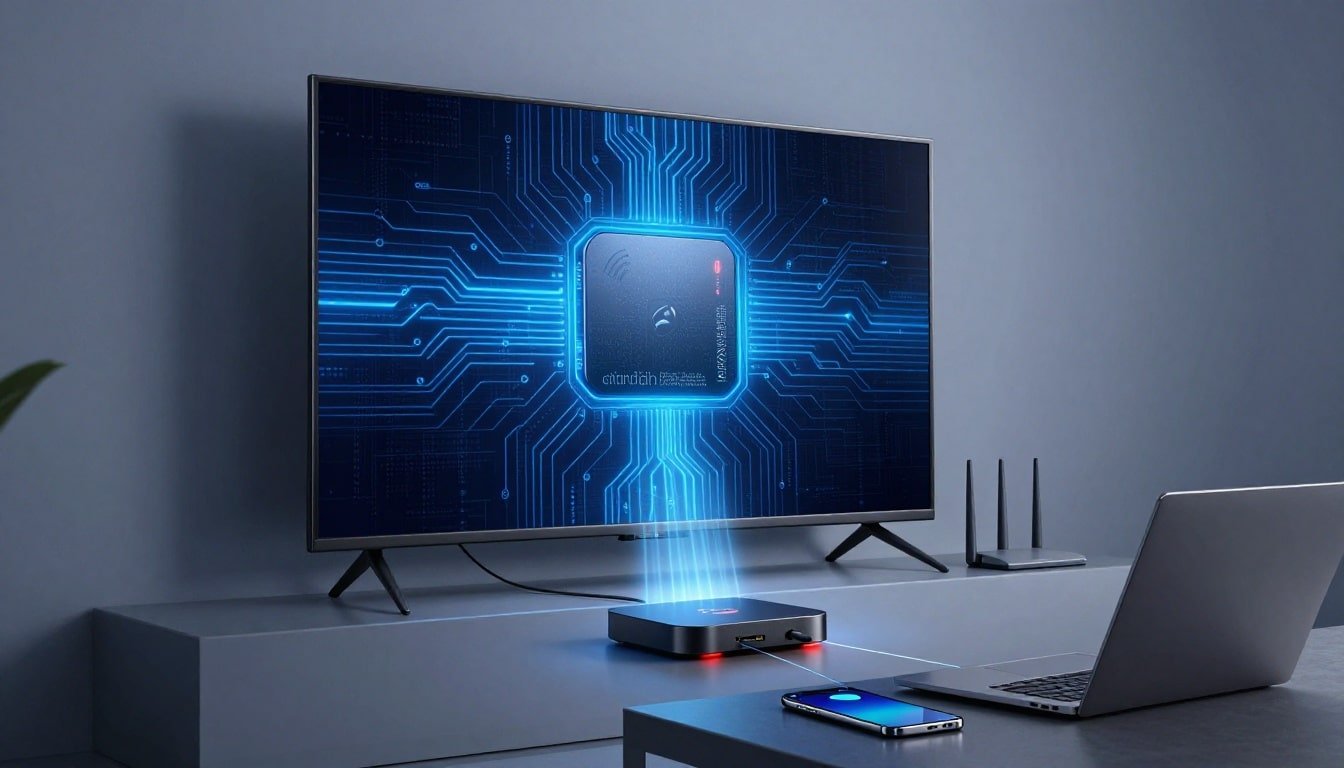
It doesn't take a burglar at the door to put my data at risk. A cheap streaming box on the same Wi-Fi can do plenty of damage all by itself.
That's why I would never think about a device like a Superbox or Megabox, as a TV accessory. I think about it as an untrusted Android computer with internet access, app installs, and the chance that someone else still has a hand on the controls. If I connect one to my home network, my phone, my router, and even my work laptop can end up in the same blast zone.
This is bigger than piracy or sketchy streaming. It's about the security concerns of what the device may be doing behind my TV while I log into work, store passwords, and trust my network to stay private.
Key Takeaways
- A Superbox (and devices like it) isn't just a streaming gadget—it's an untrusted Android computer on my Wi-Fi that can expose my phone, laptop, and router to malware, backdoors, and remote control.
- Even brand-new, it risks preloaded infections like BADBOX 2.0, botnet recruitment, DNS hijacking, and traffic rerouting that turn my home network into a cybercrime foothold.
- It endangers work devices too: lateral attacks on my company laptop or office plug-ins can create incidents, cleanup costs, and policy violations.
- These boxes fuel DDoS attacks, ad fraud, and proxy abuse...my IP could get flagged for someone else's crimes, with legal risks from piracy.
- If one's on my network, I'd disconnect it now, isolate IoT, change passwords, and check router logs before anything else.
What a Superbox really is, and why it raises security alarms
A Superbox is usually an Android-based streaming device sold as a shortcut to lots of channels, apps, and "free" content for a one-time price. On the surface, it looks harmless. It plugs into HDMI, joins Wi-Fi, and behaves like any other media device.
The problem isn't the TV part. The problem is that the box is still a small internet-connected computer, and in some cases, it's a very low-trust one. It can and has install apps, talk to remote servers, change settings, and pull in software I never meant to trust. Some versions have been sold through major marketplaces, which makes them look normal when they may be anything but. That matters because recent reporting on BADBOX 2.0 infections in consumer Android devices tied millions of streaming devices, including jailbroken and unprotected hardware, to malware infections, suspicious app stores, and abusive traffic. A box can arrive new in the package and still be unsafe the moment it touches my router.
The hidden problem starts before you even finish setting up
This is the part that should make anyone pause. With these types of TV boxes, the trouble starts during setup, not after months of neglect. The device may push me toward third-party apps or unofficial sources instead of official app stores, ask me to disable built-in protections, or fetch software from places I would never trust on my laptop.
Some unsafe Android TV boxes have also been linked to botnet activity, ad fraud, and proxy abuse. So "brand new" doesn't mean "clean." It can mean the malware is already there, or that the setup flow is designed to bring it in.
If I treat that box like a normal Roku or Apple TV, I miss the point. A normal streamer is a closed product with guardrails. A questionable Android box can be more like handing a mystery laptop a permanent seat on my home network.
How a Superbox can take over my network
The scary part is not that the box might misbehave once. It's that it may have enough access to keep doing it, over and over, while I think I'm only using it to watch TV.
A Superbox comes with broad system permissions, hidden remote-control features, and software tools that don't belong on a simple living room device. Reports tied to these boxes described remote app installs, forced updates, app removal, and even what amounts to a remote kill switch, meaning someone else may be able to change how the device behaves or shut parts of it down from afar.
Backdoors mean someone else may still have the keys
A backdoor is a secret way in. Simple as that. If a box has one, then I may not be the only person with control over it.
That can mean remote parties gain unauthorized access to install new apps without asking, remove apps I do want, change settings, or route traffic in directions I never approved, all while exposing network vulnerabilities. If the device checks in with outside servers and obeys commands, then my ownership starts to look fake. I paid for the hardware, but someone else may still have admin rights in practice.
A Superbox stops being "just a streaming box" the moment someone else can change it after I plug it in.
That loss of control is the real issue. I can't make safe choices on a device if the device is still taking orders from somewhere else.
A risky box doesn't stay in one lane
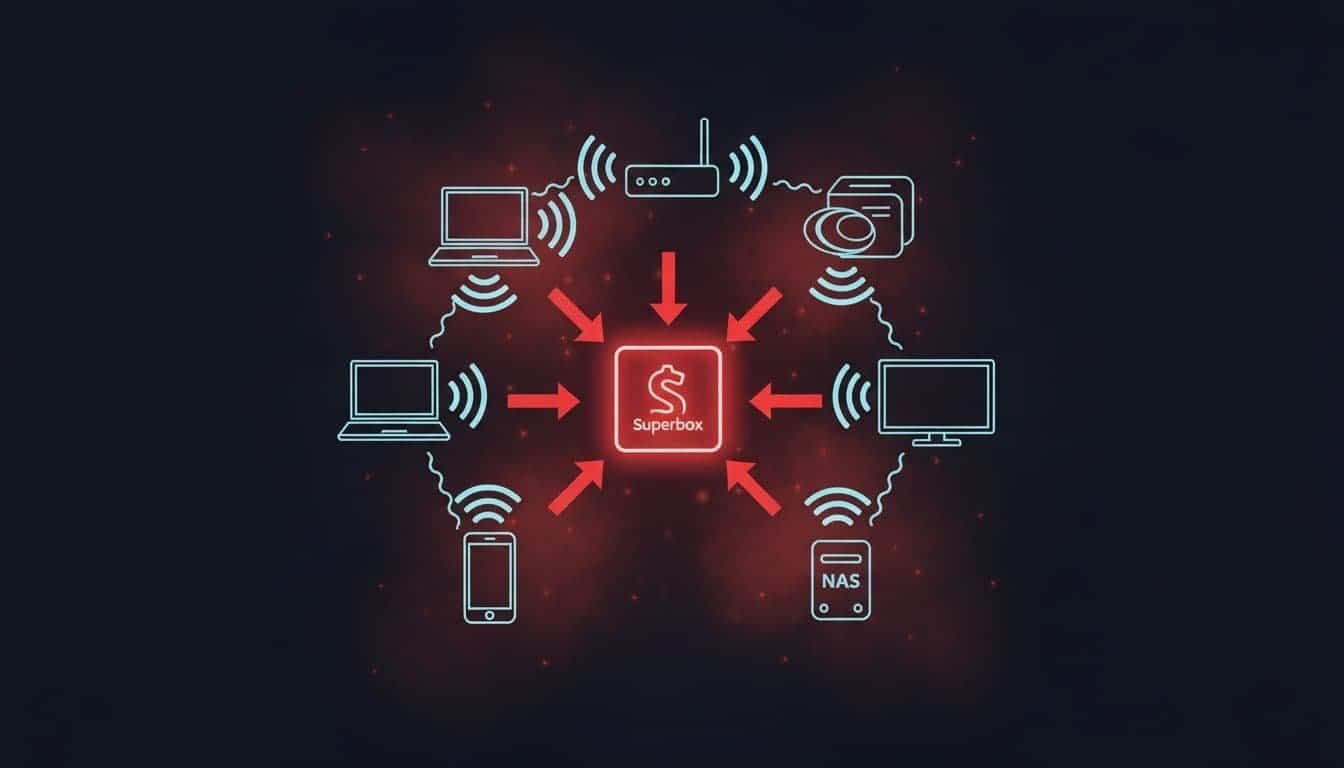
Once that box is on my home network, it shares space with everything else. My phone. My laptop. My smart speakers. My cameras. Maybe a network drive full of family photos or tax documents. If I also work from home, it shares air with my company laptop too.
This is where things get ugly. Some investigations into Superbox behavior described tools like Tcpdump and Netcat, plus traffic tricks such as ARP poisoning, DNS hijacking, and proxy routing. Cyber Hub's write-up on the Superbox botnet threat explains the cybersecurity concerns behind why that's such a bad mix, especially as these tools position devices for recruitment into botnets. Those tools can inspect traffic, relay traffic for strangers, or help redirect where devices on my home network think they're going.
I don't need the box to "hack" every device directly for this to matter. If it can watch traffic patterns, impersonate another device on my network, or act like a middleman, it becomes a foothold. And footholds are how a small problem turns into a house-wide one.
Why taking one to work could turn a personal mistake into a company incident
The part people miss is how easily this jumps from personal risk to business risk. I can make one bad call in my living room and drag my employer into it without meaning to.
My work laptop is only as safe as the network around it
A managed work laptop helps, but it doesn't make the home network magically clean. If my laptop and a compromised Superbox are on the same flat network, an attacker with root access on the Superbox may use the weaker device to look for the stronger one. That's lateral movement in plain English, using one flimsy door to test the rest of the house.
Even when traffic is encrypted, a poisoned local network can still cause trouble. DNS tampering can send me to the wrong place. Scans can map what devices are online. Session tokens, internal tools, or corporate logins can become targets if the attacker gets the right angle. If my router has no guest network or IoT separation, I have made that job easier.
Plugging it into an office network could trigger a much bigger mess
Now picture someone bringing a Superbox into work for a break room TV or conference room display. That sounds harmless, right up until the device starts making strange outbound connections, degrading network performance, talking to servers IT doesn't recognize, or relaying third-party traffic through company internet.
At that point, it isn't a quirky gadget. It's a vector for cybercrime against the employer's infrastructure. Security teams may have to isolate ports, pull logs, inspect endpoints, and figure out whether anything sensitive was exposed. Even if nothing was stolen, the response work costs time and money. And if the device violates company policy, the cleanup gets even more painful.
These boxes have been pulled into botnets and DDoS attacks
This is where the story stops sounding like a weird edge case. In 2025, Android TV boxes and similar low-cost streaming devices, often used for illegal streaming services and unauthorized streaming of premium content or pirated content, were tied to massive botnet activity, including BADBOX 2.0. The FBI issued a warning regarding the BADBOX 2.0 infections, with Google's lawsuit describing more than 10 million compromised Android devices. Krebs on Security's reporting on BADBOX 2.0 tracked how these boxes fit into a larger criminal system built on infected consumer hardware.
How criminals turn streaming devices into attack tools
A botnet is a pile of infected devices that criminals control together. A DDoS attack is when those devices all flood a target with traffic at once until the target slows down or falls over.
That means the box in my living room, bought as a shortcut for premium content through pirated sources, can become part of an attack on someone else's business, app, or network, even if I never touch the settings again. Beyond DDoS, these devices have been used for proxy abuse, ad fraud, credential stuffing, and web scraping. Kimwolf also surfaced in late 2025 as part of the same ugly pattern, showing how fast these Android-based device networks can be repurposed.
Why this matters even if I never notice a problem at home
I may not see flashing warnings or dramatic signs. What I may get is slower internet, weird ISP notices, account trouble, or security complaints tied to traffic that came from my home connection. If bad traffic is traced back to my IP first, I'm the one standing in the headlights, plus potential legal risks from copyright violations tied to the device's use for illegal streaming services.
By early 2026, the pattern was already clear. These weren't small hobby attacks. They were larger, more aggressive campaigns using infected consumer devices as cheap infrastructure. The BADBOX 2.0 and Vo1d botnet analysis shows why that matters: a compromised Android TV box isn't dead weight on a shelf, it's a working node in someone else's network.
Frequently Asked Questions
Is a brand new Superbox safe to plug into my home Wi-Fi?
No, trouble often starts during setup with pushes for shady apps, disabled protections, or malware fetches from untrusted sources. Reports like BADBOX 2.0 show millions of new Android streamers arrive infected or primed for botnets. I treat it like a mystery laptop, not a clean TV accessory.
How can a Superbox compromise my entire network?
It shares my flat home Wi-Fi with everything—phones, laptops, cameras, and packs tools like ARP poisoning, DNS hijacking, and proxy routing to inspect, impersonate, or relay traffic. That creates a foothold for attackers to scan devices or reroute connections without me noticing.
Does a Superbox risk my work laptop or office setup?
Absolutely, on home Wi-Fi, it enables lateral movement to probe my managed laptop via scans or tampered DNS, exposing sessions or tokens. Bringing it to work turns it into a break room threat: odd traffic, performance hits, and IT headaches. I notify my team before plugging personal devices near company gear again.
What should I do if I already have a Superbox connected?
Disconnect it immediately, change all exposed passwords, and scan router logs for weird outbound connections. If it's touched work systems, loop in IT right away.
The move I'd make if a Superbox is on my network
If I have a Superbox connected right now, one that cord-cutters turn to for streaming, I wouldn't shrug this off as "maybe shady streaming." I'd treat it like a device I can't trust. That means disconnecting it, burn it, then crush it with a hammer.
If there's even a chance that box has touched work systems, I'd tell IT before plugging anything personal into the office again. That's not overreacting. That's damage control, especially with the legal risks involved.
The warning I keep coming back to is simple: if a TV box can install malicious software, hog internet bandwidth, reroute traffic, and answer to someone else, then it isn't entertainment gear anymore. It's a stranger sitting on my network.